Introduction
Building an autonomous robot requires the integration of several technologies.
The robot needs sensors to understand its surroundings, computing hardware to process sensor data, software to make decisions and a control system to operate motors.
One practical development architecture is:
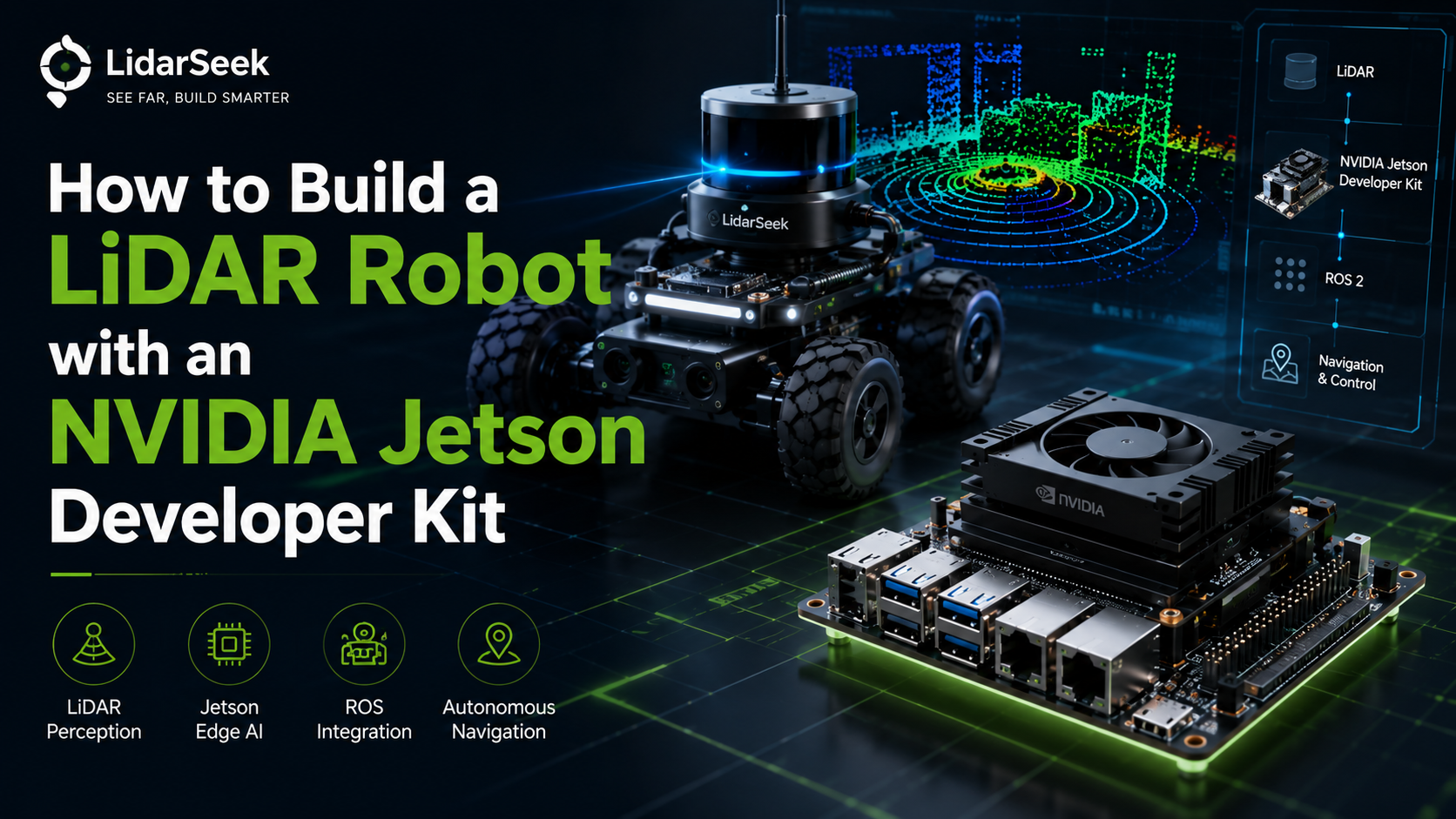
LiDAR + NVIDIA Jetson + ROS/ROS 2 + Motor Controller
This architecture can be used to develop AMRs, AGVs, inspection robots, delivery robots and other autonomous machines.
LidarSeek offers both LiDAR sensors and NVIDIA Jetson development kits, making it possible to source important components for an AI perception system from one supplier.
Step 1: Choose the Robot Platform
Before selecting the computer, define the robot.
Ask:
- Indoor or outdoor?
- Flat floor or rough terrain?
- Autonomous navigation or remote control?
- Single LiDAR or multiple LiDAR sensors?
- Camera required?
- AI object detection required?
- Battery-powered?
- Required operating time?
These questions determine the required computing platform.
Step 2: Choose the LiDAR
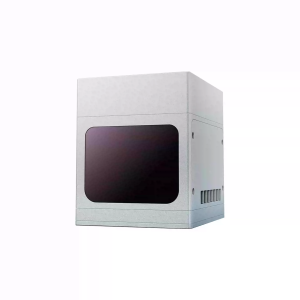
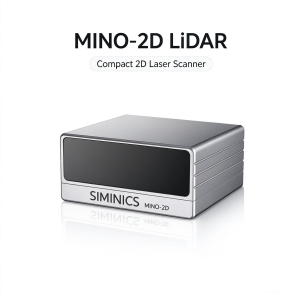
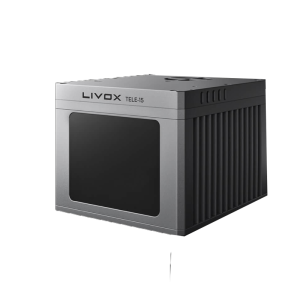
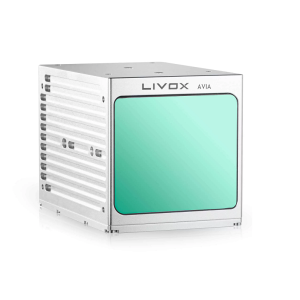
LiDAR is often one of the primary perception sensors.
For indoor mobile robots, a 2D LiDAR can be used for navigation and obstacle detection.
For more complex environments, 3D LiDAR can provide richer spatial information.
LidarSeek offers 2D, 3D and automotive LiDAR products in addition to NVIDIA Jetson development hardware.
Step 3: Choose the NVIDIA Jetson
The Jetson becomes the robot’s computing platform.
A compact robot may use Jetson Orin Nano.
A more demanding platform can use Orin NX or AGX Orin.
NVIDIA’s current platform information lists Orin Nano at up to 67 TOPS and Orin NX at up to 100 TOPS, while AGX Orin can reach up to 275 TOPS.
Step 4: Connect LiDAR to Jetson
Depending on the LiDAR model, connection may use Ethernet, USB, CAN or another supported interface.
Ethernet is common for many 3D LiDAR applications.
Once connected, the Jetson receives sensor data and software can process the point cloud or scan information.
Step 5: Install the Software Environment
The software stack can include:
- Jetson Linux
- NVIDIA JetPack
- CUDA
- ROS or ROS 2
- LiDAR SDK
- SLAM software
- Navigation software
- AI inference framework
NVIDIA provides official Jetson documentation covering JetPack setup, Linux and development workflows.
Step 6: Implement SLAM
SLAM allows the robot to estimate its position while constructing a map.
A LiDAR-based SLAM system generally receives sensor measurements and produces:
- Robot pose
- Map
- Localization information
The Jetson can execute the required software locally.
This is particularly useful for warehouse robots, indoor AMRs and service robots.
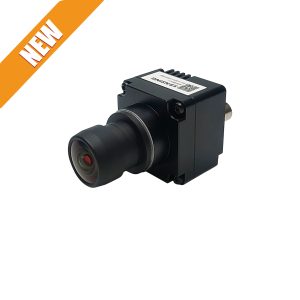
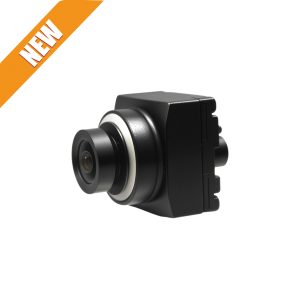
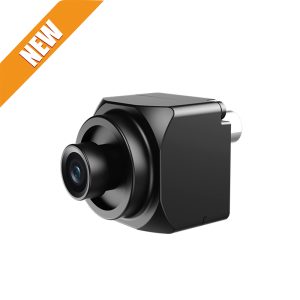
Step 7: Add Camera AI
LiDAR can tell the robot where objects are.
A camera can provide additional visual information.
Combining both can improve perception.
For example:
LiDAR: distance and geometry
Camera: visual appearance
IMU: motion information
Jetson: sensor fusion and AI processing
This is one of the reasons Jetson platforms are useful for robotics development.
Step 8: Add Navigation
Once localization and mapping are available, the robot can perform autonomous navigation.
A typical pipeline is:
Sensors → Perception → Localization → Mapping → Planning → Motor Control
The Jetson can execute many of the computational components while a dedicated motor controller handles low-level motor control.
Step 9: Test in Stages
Do not immediately test complete autonomy.
A better approach is:
Stage 1
Verify LiDAR communication.
Stage 2
Display LiDAR data.
Stage 3
Run SLAM.
Stage 4
Verify localization.
Stage 5
Add obstacle avoidance.
Stage 6
Add camera AI.
Stage 7
Implement autonomous navigation.
This staged development approach makes troubleshooting easier.
Example Architecture
A development robot could use:
| Component | Function |
|---|---|
| NVIDIA Jetson | Edge AI computing |
| 2D/3D LiDAR | Environment perception |
| Camera | Visual perception |
| IMU | Motion sensing |
| Motor controller | Motor control |
| Battery | Power |
| ROS/ROS 2 | Robotics software |
| SLAM | Mapping and localization |
Why Use Jetson Instead of a Cloud Computer?
An autonomous robot often needs low-latency decision making.
If every sensor frame must be transmitted to a cloud server, network connectivity becomes an important dependency.
Edge computing allows processing to happen directly on the robot.
Advantages include:
- Lower latency
- Reduced network dependence
- Local data processing
- Better privacy
- More predictable operation
This is especially important for mobile robots.
FAQ
Can Jetson process LiDAR data?
Yes. Jetson can be used as an edge computer for LiDAR processing and robotics applications.
Can I use Jetson with a 2D LiDAR?
Yes. 2D LiDAR is commonly used for robot navigation and SLAM.
Can Jetson run 3D LiDAR?
Yes. The appropriate Jetson platform depends on the point-cloud processing and AI workload.
Do I need a camera if I have LiDAR?
Not necessarily. LiDAR can support navigation independently, but cameras can add visual information and AI perception capabilities.
Can I build an AMR using Jetson?
Yes. Jetson can serve as the main computing platform in an AMR development system.
Where can I buy Jetson and LiDAR together?
LidarSeek offers NVIDIA Jetson development kits and LiDAR products and provides quotation support for project requirements.
Conclusion
An NVIDIA Jetson Developer Kit provides a practical computing foundation for building LiDAR-based autonomous robots.
By combining Jetson with LiDAR, cameras, IMU and robotics software, developers can create platforms for:
- AMR
- AGV
- Warehouse robotics
- Inspection robots
- Delivery robots
- Robot dogs
- Autonomous vehicles
For developers who need both computing and perception hardware, LidarSeek can provide a convenient source for NVIDIA Jetson kits and LiDAR sensors.